Just ask, in the chat you already use. It writes the video; we voice, animate and render it.
 Claude Idea to Motion


Input
Turn this into a tighter video with motion graphics.
21 looks
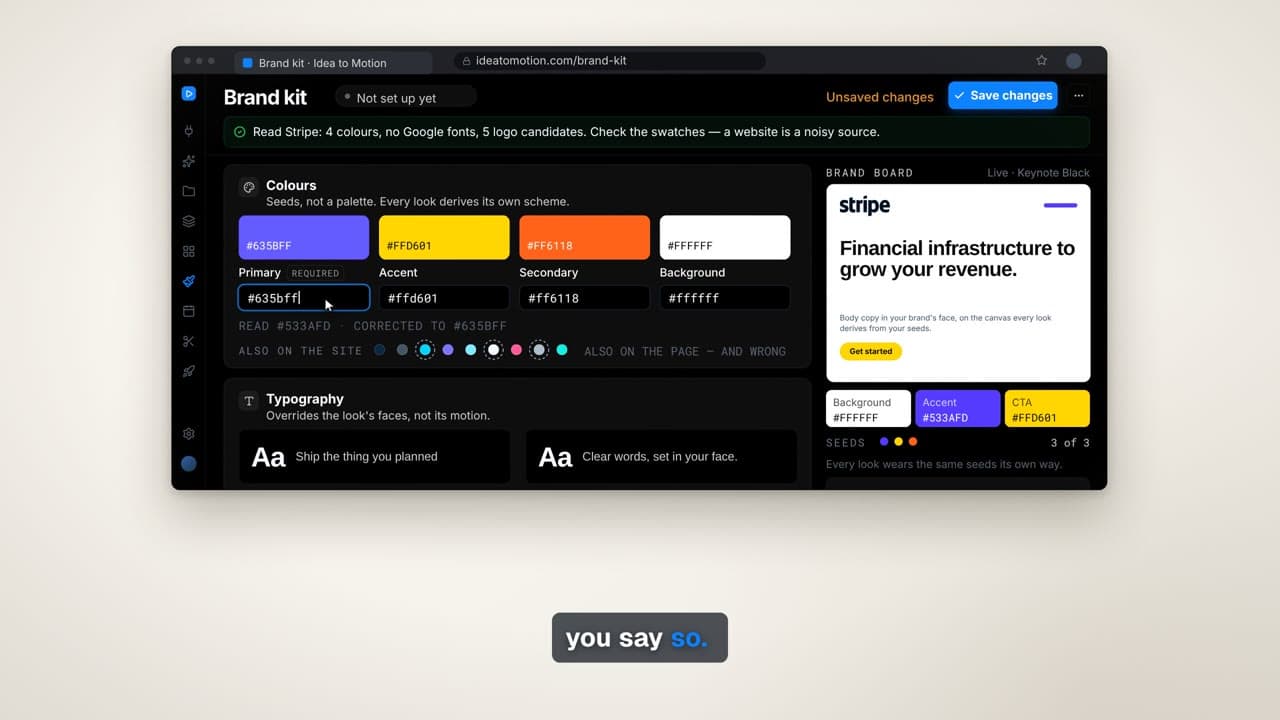
Your brand colours and logo go on top of any of them.
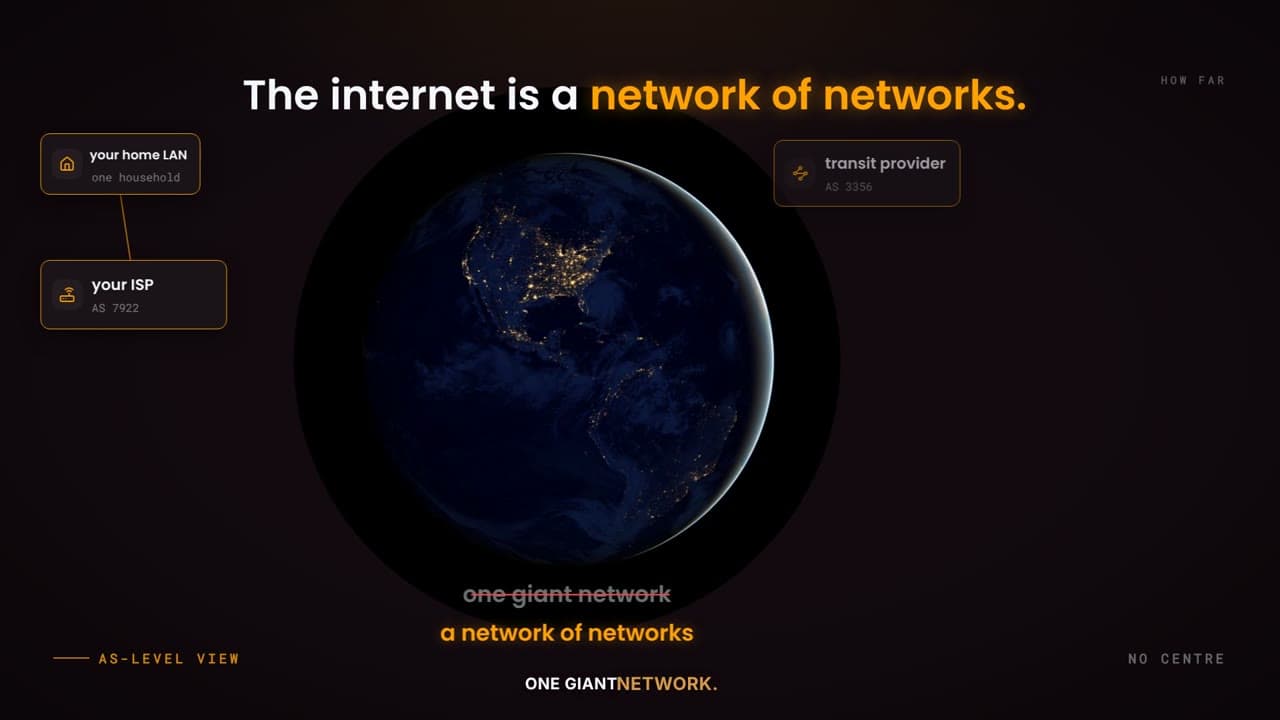
Lit, not filled. One object on a black field, blur-settle type, a single light sweep.
Made from one sentence
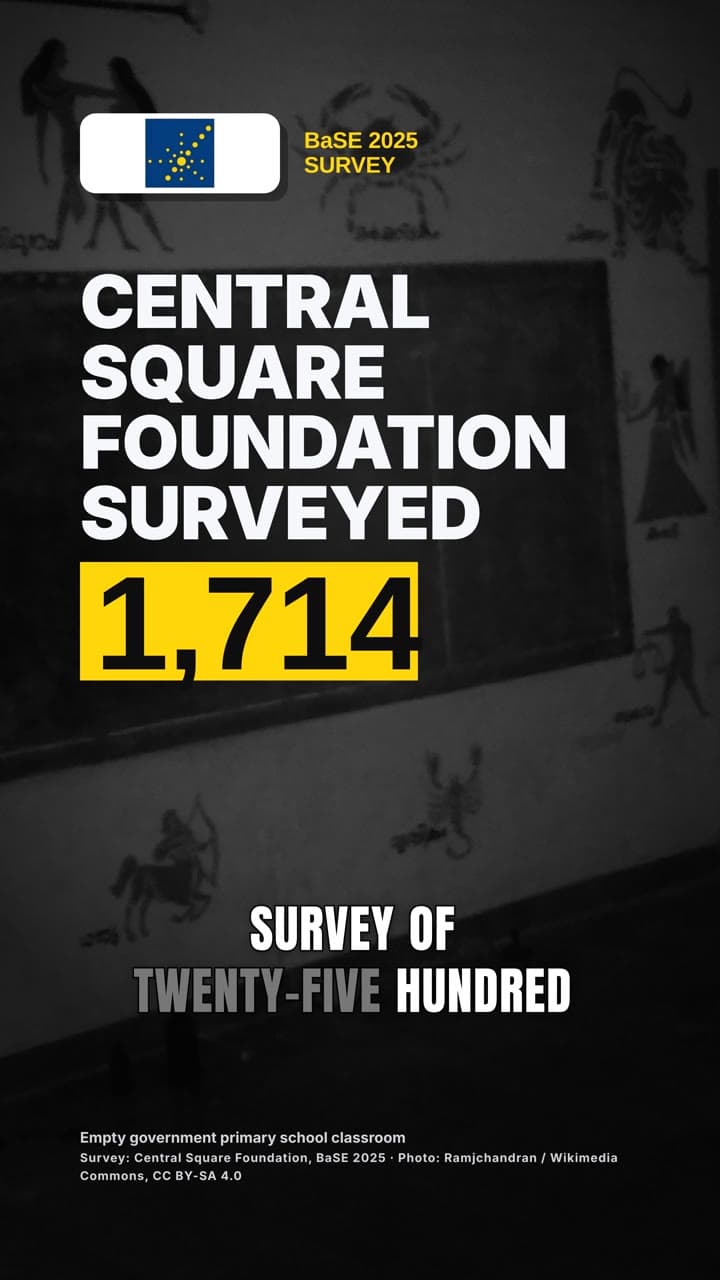
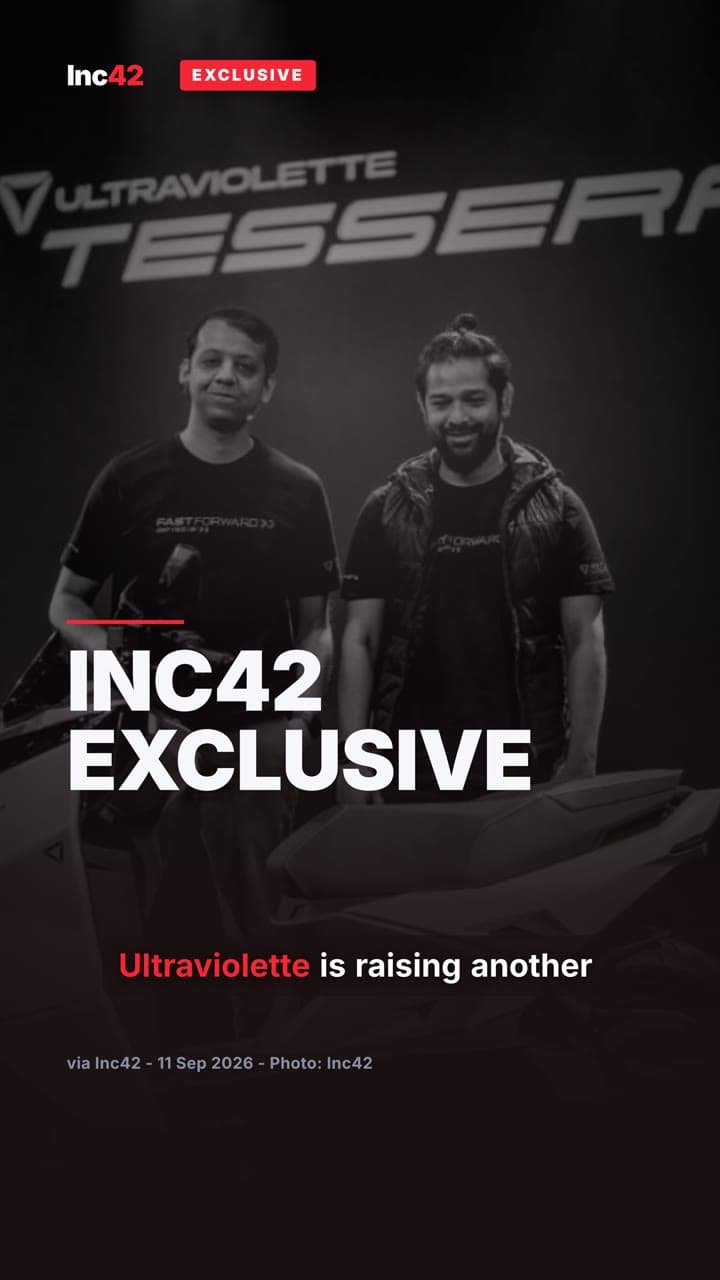
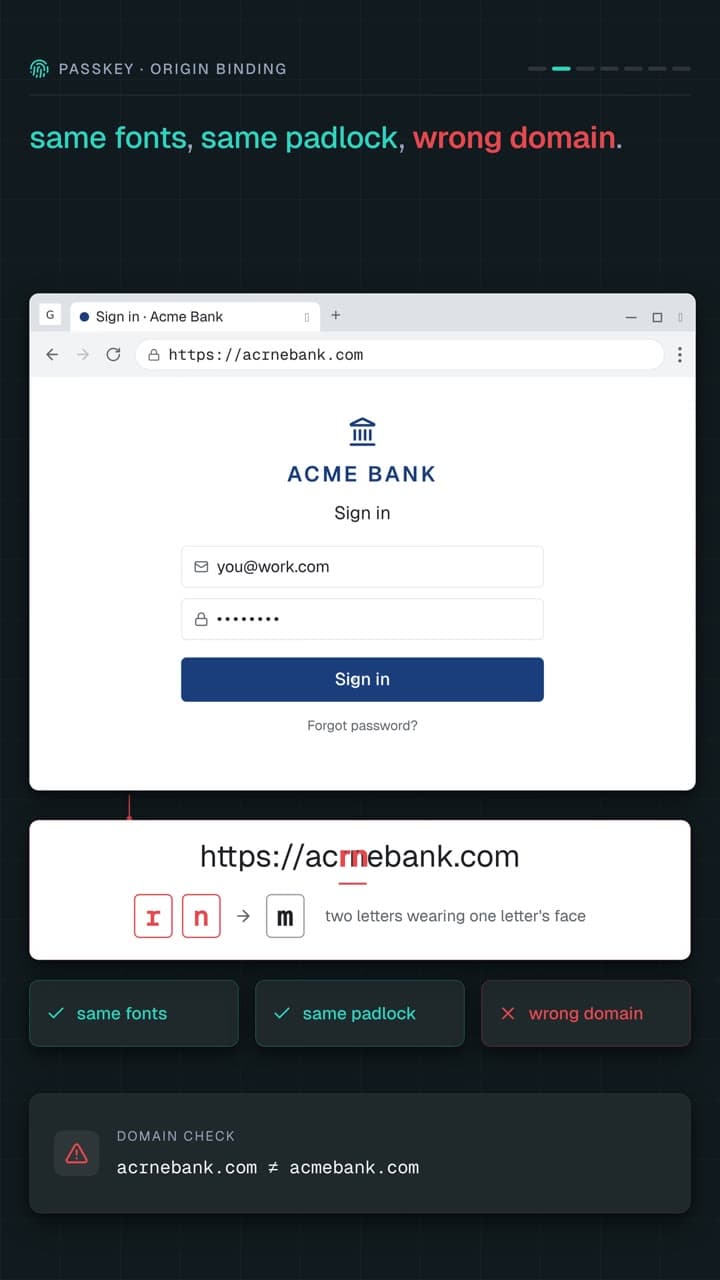
These channels are live right now, and every video on them was made with Idea to Motion.
@SynapByte
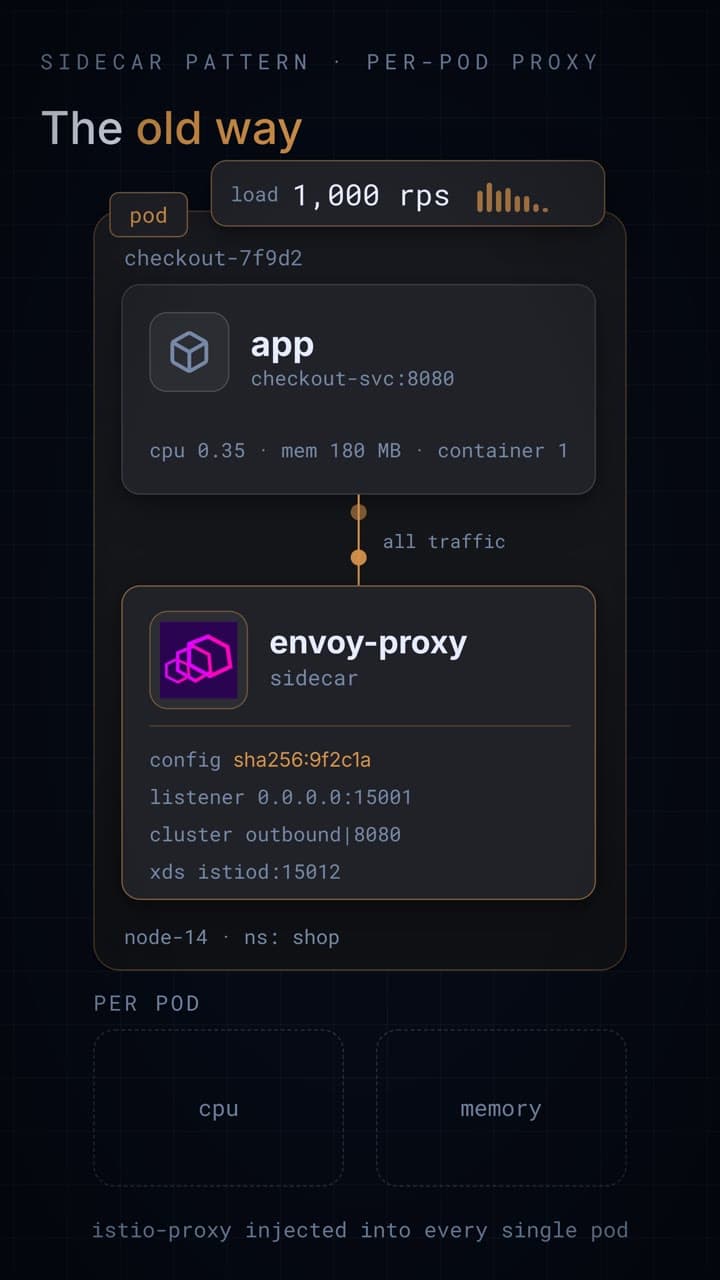
Engineering explainers — system design, AI internals, dev tooling.
@synap_byte
One concept. One animation. One minute.
@jeetsoni.ai
Talking-head reels on building real-world AI.
Around 7,000 followers across the three, watching videos made with this.
Sign in
One click with Google. Your videos, looks and brand kit follow the account.
Add the server to your client
Pick Claude, Cursor or any MCP client, paste one snippet.
Connect a voice key
Narration runs on your own ElevenLabs, Cartesia or Sarvam AI key. Silent videos need none.
About 30 seconds · works with Claude, Cursor, and 10+ MCP clients
Claude Desktop, Cursor, Kiro, Windsurf, Gemini CLI, VS Code/Copilot. If it speaks MCP, it works.
Researches the topic, structures scenes, writes narration. No prompt engineering.
Each scene is a React/Remotion component. Your AI writes it, we render it.
Voiceover with word-level sync on your own voice key. Looks for launches, news stories and developer explainers.
"Make the intro faster." "Change the colors to match our brand." "Add a chart in scene 3." Your AI edits the code directly. The video recomposes in place. Iterate as many times as you want.
9:16 vertical shorts or 16:9 widescreen. Your AI picks the right format.
Scene code is sandboxed, validated, and density-checked before it ships. Broken code bounces back to your AI to fix.
720p exports are free. HD exports are priced by the second — about 50¢ for a short. Your first one is on us.
$0
to start. No card needed.
Add funds when you want a clean HD file. No subscription.